

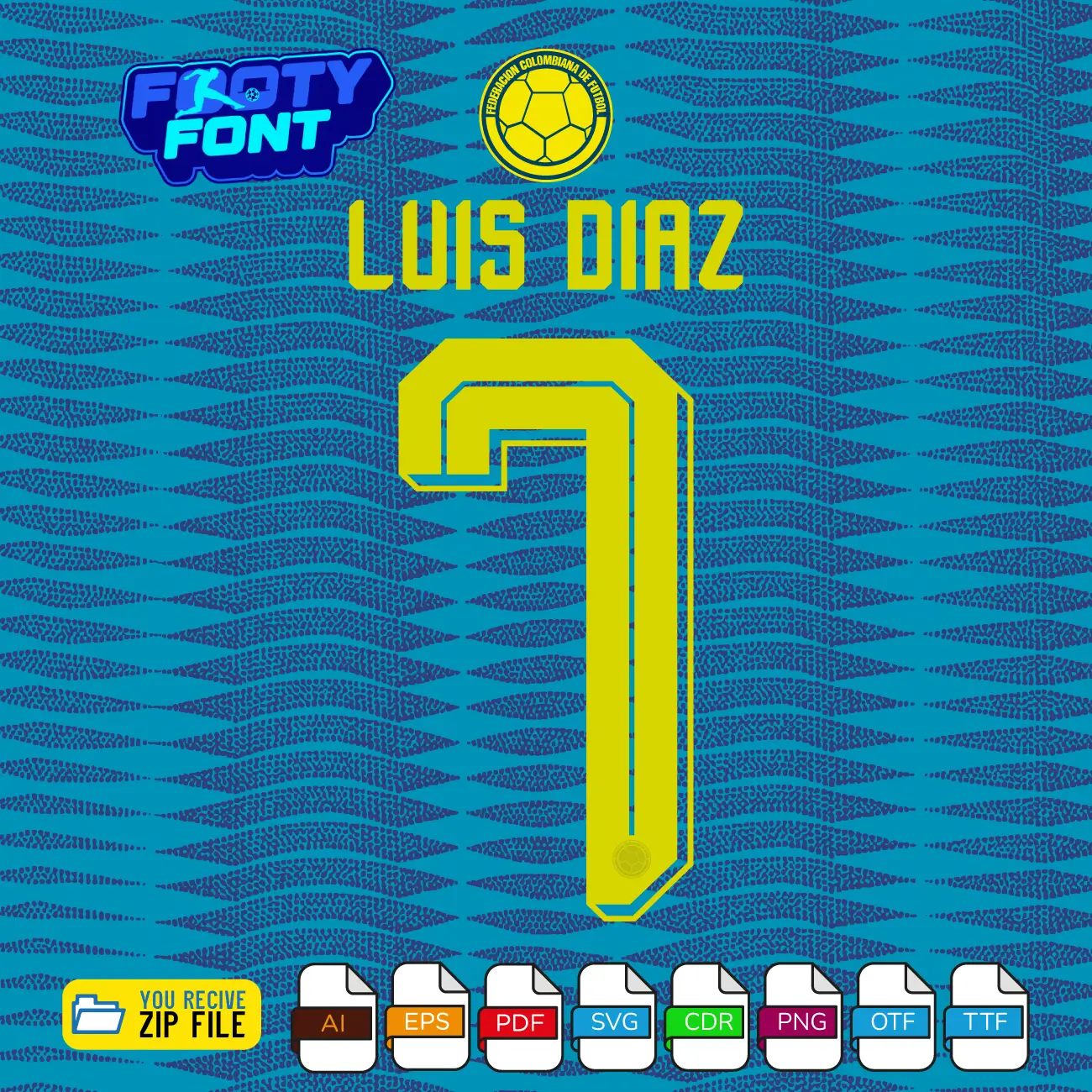

Colombia 2026 Football Font
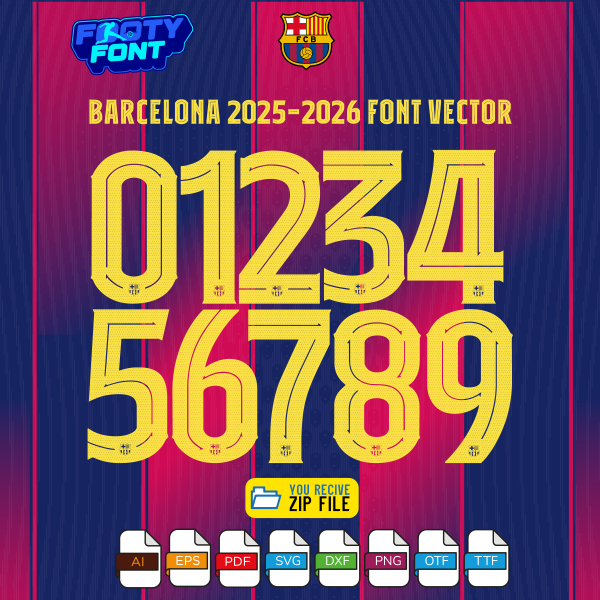
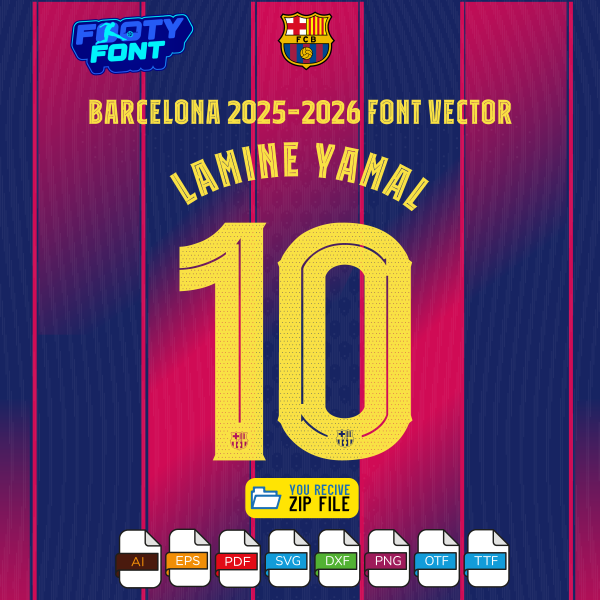
Bring the vibrant rhythm and electrifying pace of Los Cafeteros to your designs with this font football, inspired by the Colombia 2026 World Cup away kit. This high-quality typeface is meticulously designed to replicate the dynamic, modern lettering worn by the Colombian National Team. It features striking neon yellow numbers with a distinct inner-line geometric design that pops perfectly against dark or textured alternative jersey backgrounds.
This font captures the elite, creative style worn by South American superstars like Luis Díaz, James Rodríguez, Jhon Arias, and Richard Ríos. As Colombia pushes toward the 2026 World Cup, this away font is an absolute must-have for fans creating custom jersey designs, digital art, streetwear, or matchday posters.

What You’ll Get: Colombia Font World Cup 2026 (Away Kit)
Complete Font Package (Colombia 2026 World Cup Away Kit)
-
Core Font Files
-
✔ OTF
-
✔ TTF
-
-
Complete Vector Package (Away Kit)
-
This includes the full A-Z alphabet and 0-9 numbers in the following professional formats:
-
✔ AI (Adobe Illustrator)
-
✔ EPS
-
✔ PDF
-
✔ CDR (CorelDRAW)
-
✔ SVG
-
-
Separated Number Files (Away Kit)
-
Individual, easy-to-use number files (0-9):
-
✔ 10 PNG
-
✔ 10 SVG
-
✔ 10 PDF
-
Start Your Design Today
Don’t wait to bring your creative vision to life. Get this font kit and instantly start creating personalized jerseys, matchday posters, and graphics that celebrate your favorite team. Click “Add to Cart” now to begin your project.
Compatible Software and Tools
This versatile kit is designed to be used seamlessly across a wide range of popular software and tools, making it perfect for both professionals and beginners.
-
Adobe Illustrator
-
Adobe Photoshop
-
CorelDRAW
-
Canva
-
Cricut & Silhouette (for SVG and CDR files)
A Note for Fans
This Colombia Font World Cup 2026 (Away Kit) is an independent, fan-inspired design and is not officially affiliated with the Colombian Football Federation (FCF), FIFA, the World Cup, or the official kit manufacturers.
Use this font to bring authentic South American football style into your designs-whether for custom jersey graphics, fan merchandise, posters, or social media content.”Looking for the classic yellow? 🇨🇴 Complete your collection by checking out the Colombia Font World Cup 2026 Home kit in our shop!”





Reviews
There are no reviews yet.