PSG Font Download UCL 2025-2026 Home Kit
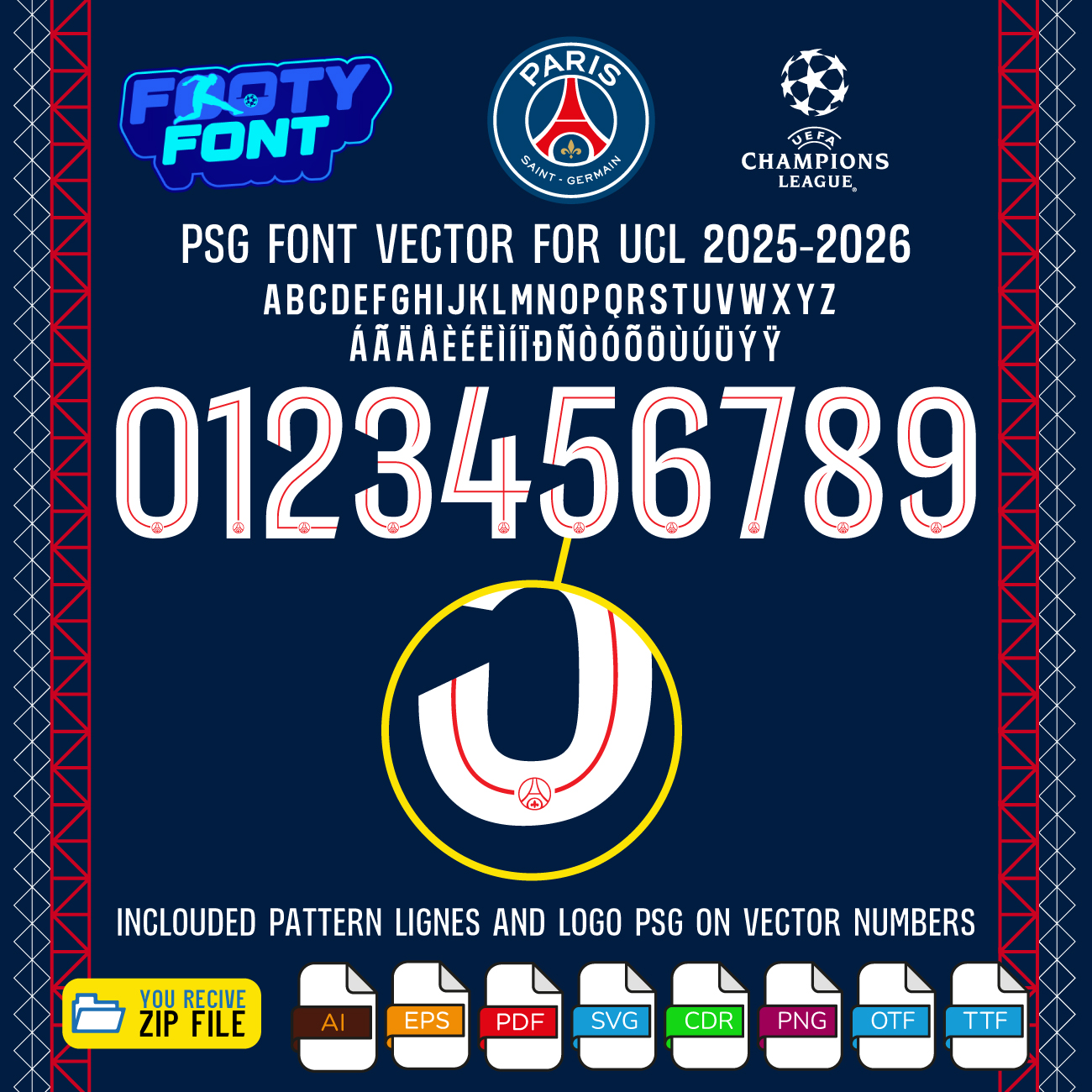
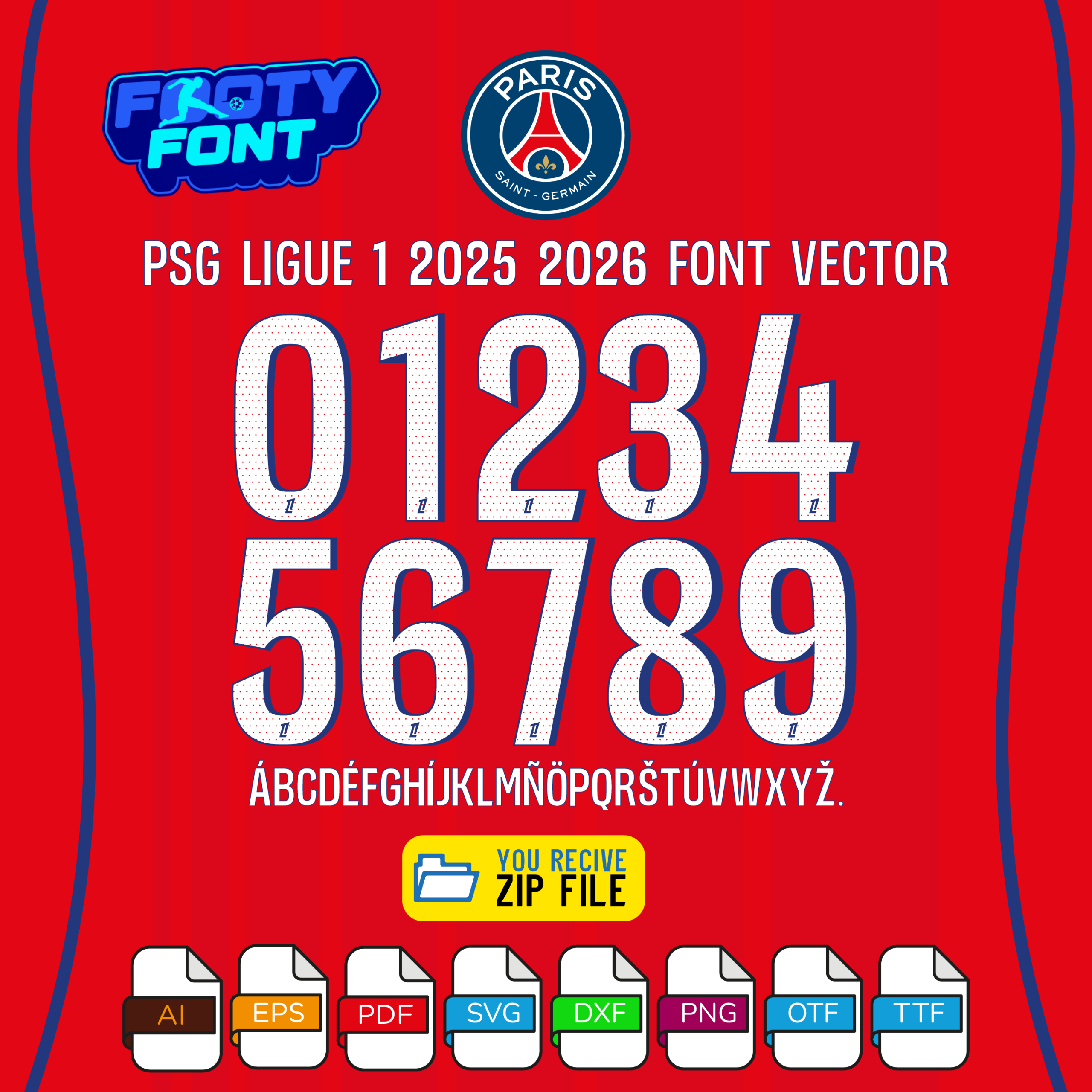
Bring the magic of European nights at the Parc des Princes into your designs with this premium font inspired by Paris Saint-Germain’s 2025–2026 UEFA Champions League home kit. Crafted to mirror the bold Rouge-et-Bleu style, this typeface captures the energy and elegance of PSG’s latest campaign.
Worn by global stars like Khvicha Kvaratskhelia, Warren Zaïre-Emery, and Ousmane Dembélé, this font reflects the club’s dynamic identity and “Ici c’est Paris” spirit. Whether you’re designing custom jerseys, fan posters, or digital artwork, this kit gives you the tools to create with confidence.
⭐ What’s Included
Complete Font Package (PSG 2025–2026 UCL Home Kit)
✔ OTF (OpenType Font)
✔ TTF (TrueType Font)
Complete Vector Package
Includes full A–Z alphabet and 0–9 numbers in:
✔ AI (Adobe Illustrator)
✔ EPS
✔ PDF
✔ DXF
✔ SVG
Separated Number Files
Individual digits (0–9) in:
✔ PNG
✔ SVG
✔ PDF
🎨 Start Designing Today
Download instantly and start creating personalized jerseys, social media graphics, or fan merchandise that celebrates your favorite team. Whether you’re a professional designer or a passionate supporter, this font kit is built for creativity.
🛠️ Compatible With
- Adobe Illustrator
- Adobe Photoshop
- CorelDRAW
- Figma
- Cricut & Silhouette (SVG/DXF)
⚠️ Fan Disclaimer
This PSG Font UCL 2025-2026 (Home Kit) is an independent, fan-inspired design and is not officially affiliated with Paris Saint-Germain F.C., UEFA, any football league, or the official kit manufacturers.
💡 Why Fans Love It
- Authentic look inspired by PSG’s 2025–2026 UCL kit
- Easy-to-use files for Cricut, Photoshop, Illustrator, Figma
- Perfect for jerseys, posters, and fan art
- Instant download, no waiting
This guide provides simple, step-by-step instructions to help you start your creative project immediately.
Step 1: Unzip Your Download
Your font kit comes in a compressed .zip folder. Before you can install or use the files, you must first extract them.
- On Windows: Right-click the
.zip file and select “Extract All…”
- On macOS: Double-click the
.zip file, and it will automatically extract its contents into a new folder.
Step 2: Install the Font
Once the folder is unzipped, you can install the font files on your computer.
- For Windows:
- Right-click the
.TTF or .OTF file.
- Select “Install” or “Install for all users.”
- A pop-up will confirm the installation is complete.
- For macOS:
- Double-click the
.TTF or .OTF file.
- This will open a new window in the Font Book application.
- Click the “Install Font” button.
Step 3: Using the Font in Your Software
After installation, your new font will be available in any compatible program.
- Important: If you have a program like Photoshop, Illustrator, or Figma open, you may need to restart it to see the newly installed font in your list.
- The font will appear under the name “Team Kit Font” (or a similar name based on the product) in your font selection menu.
Important Note on File Types
Your purchase includes multiple file types to ensure maximum flexibility for your projects.
- TTF/OTF: These are the primary font files you will install. They are perfect for typing out names and numbers in all design and word processing software.
- Vector Files (AI, EPS, SVG, DXF): These are not fonts to be installed. Instead, they are individual graphic files of each letter and number. They are ideal for high-quality printing, vinyl cutting, and for use in professional design software like Adobe Illustrator.
Only logged in customers who have purchased this product may leave a review.






&url=https://footyfont.com/product/psg-font-download-ucl-2025-2026-home-kit/&media=https://footyfont.com/wp-content/uploads/2025/11/PSG-UCL-font-Download-2025-2026-cover-1-1024x1024.jpg)


Reviews
There are no reviews yet.